 Social Archive
01
Go back as far as the connection allows
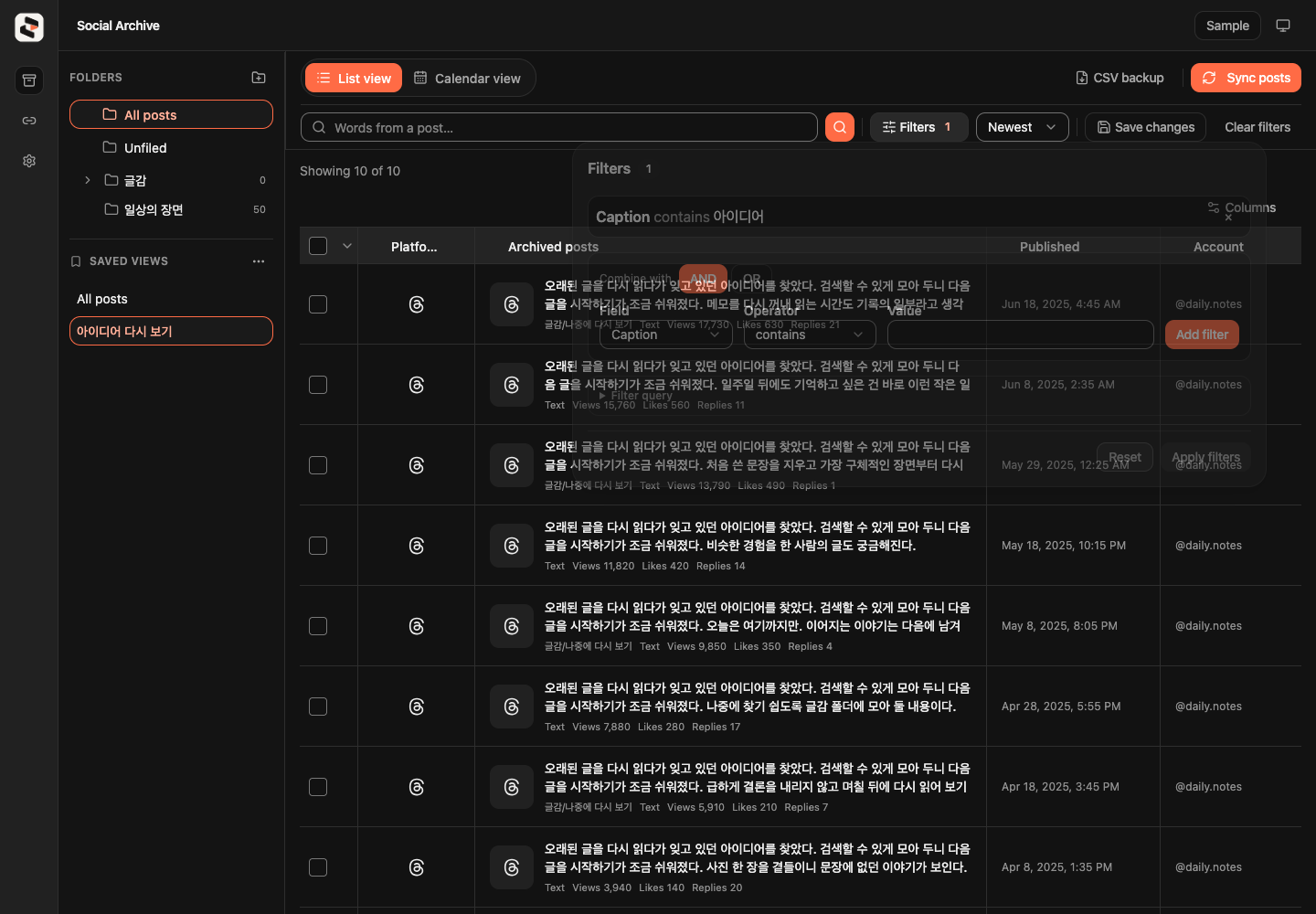
See the collected date range, start with your oldest posts, or search for a phrase you remember. Provider availability determines how far back an import can go.
Inside the archive
Explore the desktop app using sample posts. These captures show the Korean interface; no social account is connected.
01
See the collected date range, start with your oldest posts, or search for a phrase you remember. Provider availability determines how far back an import can go.
02
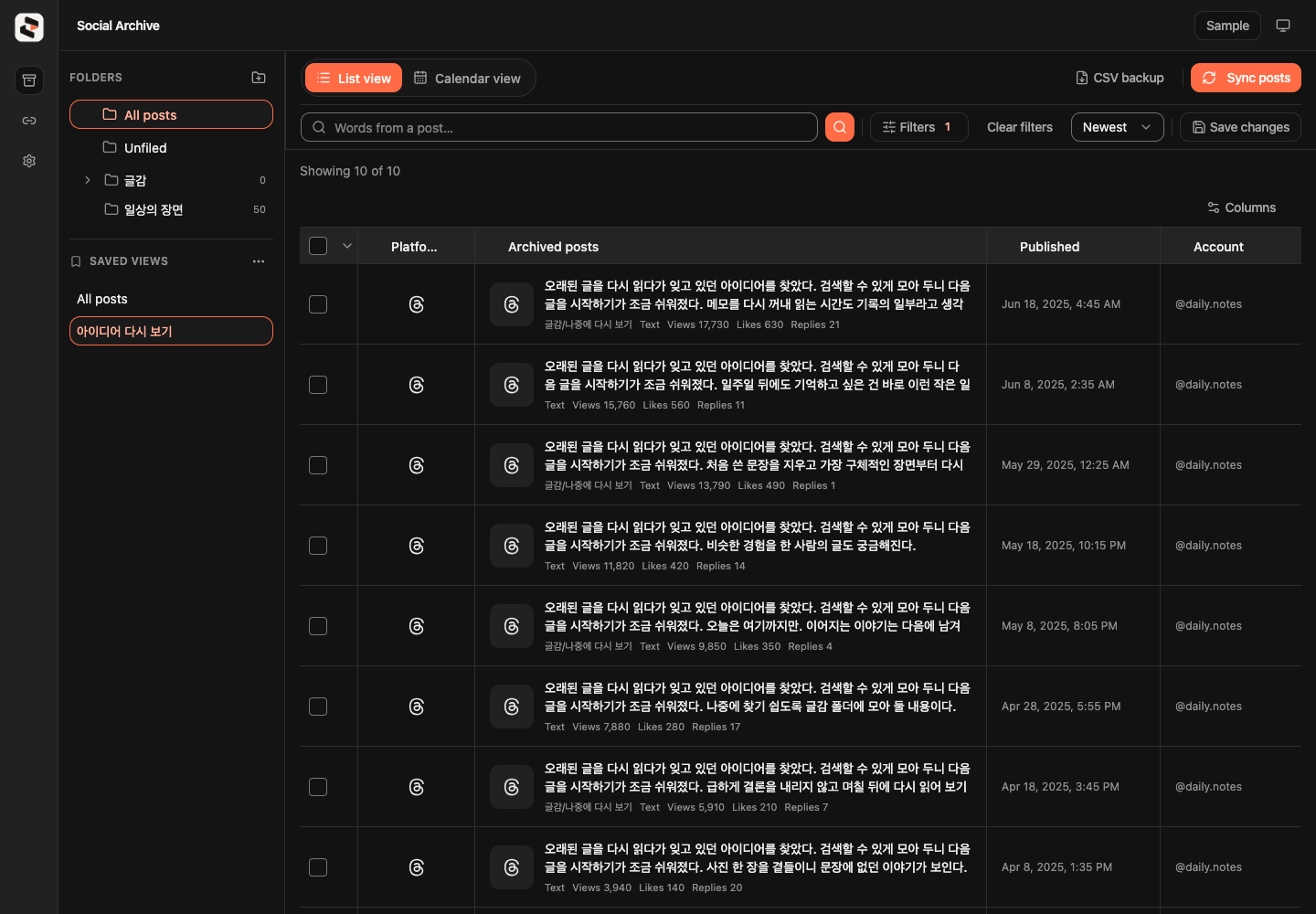
Save your filters and view settings, then return to the same view without rebuilding the search.
03
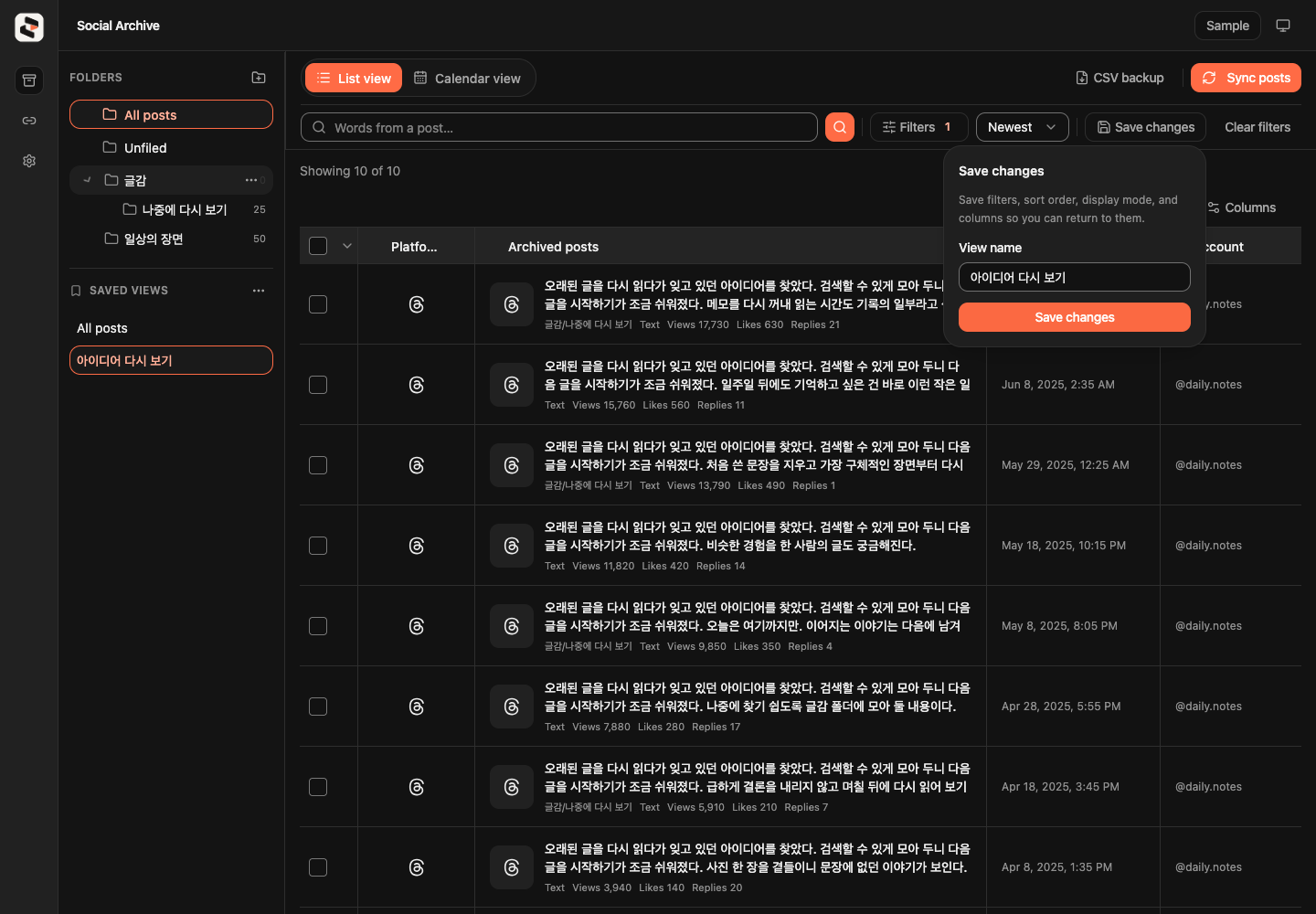
Organize posts in folders up to three levels deep. Move selected posts together and keep your own memos alongside them.
04
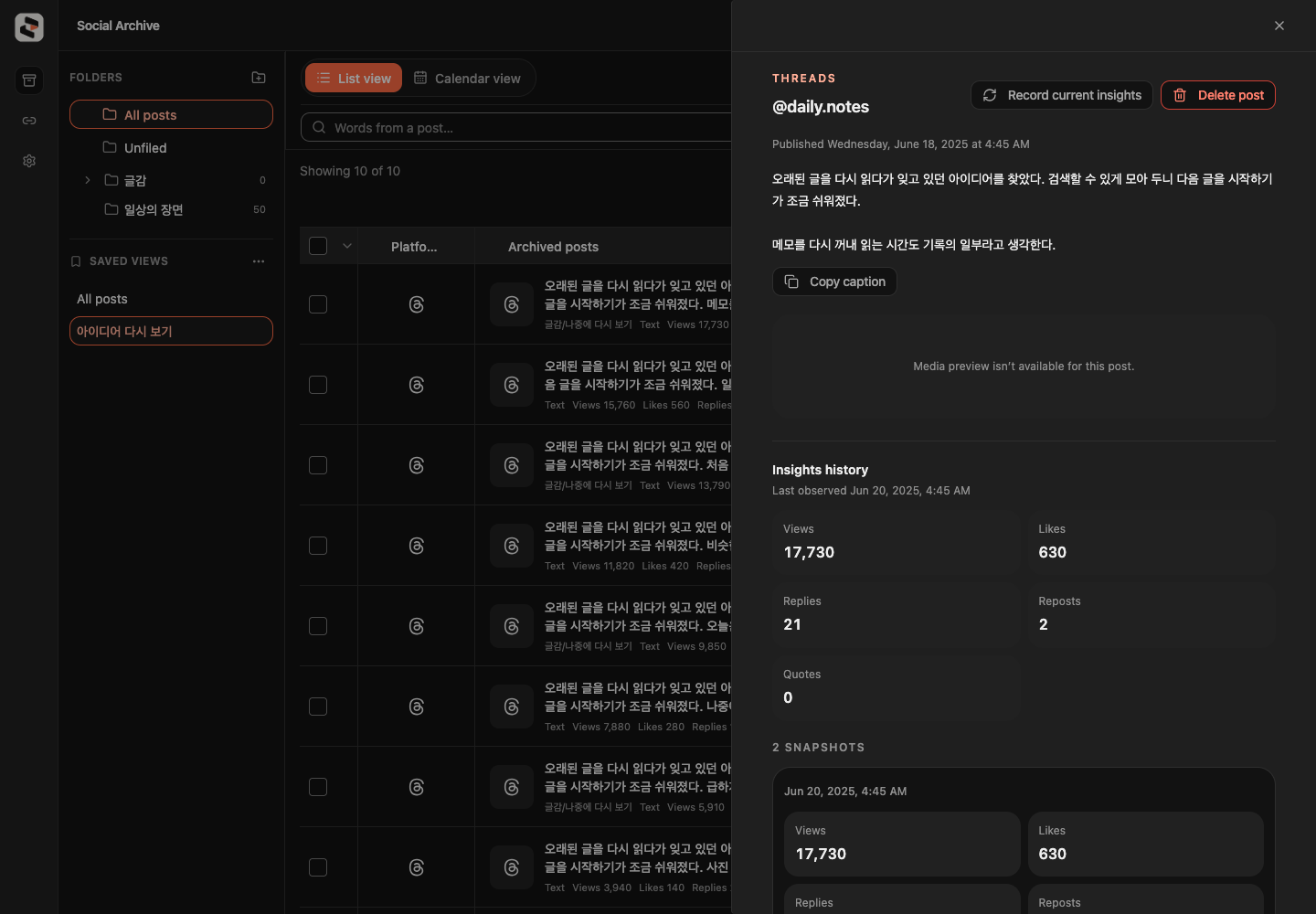
Insights are snapshots from the time they were collected. Missing metrics stay unavailable; past values cannot be reconstructed.